Only perform these steps when instructed by a Lunar Client staff member
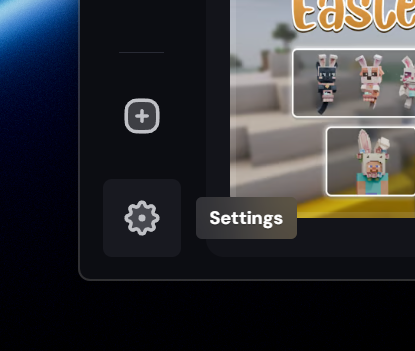
- Open the Lunar Client Launcher and navigate to the Settings page.
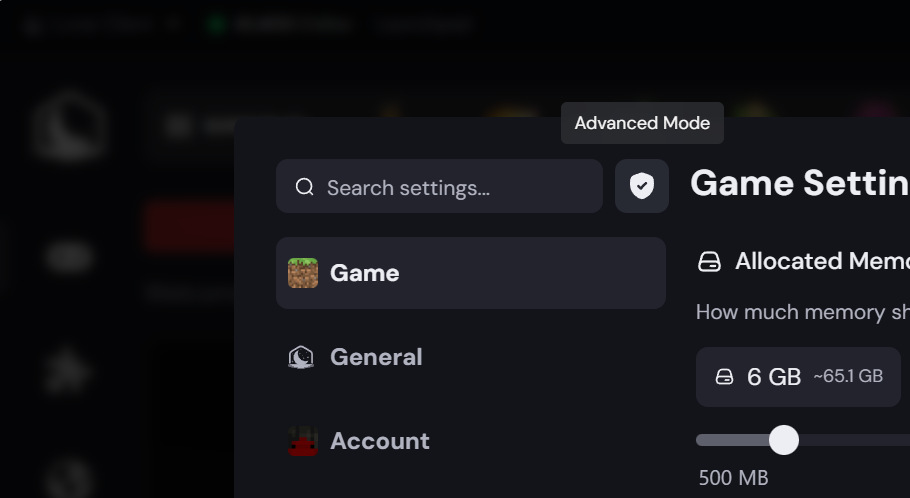
- Click the shield icon to enable Advanced Mode, if it's not already enabled
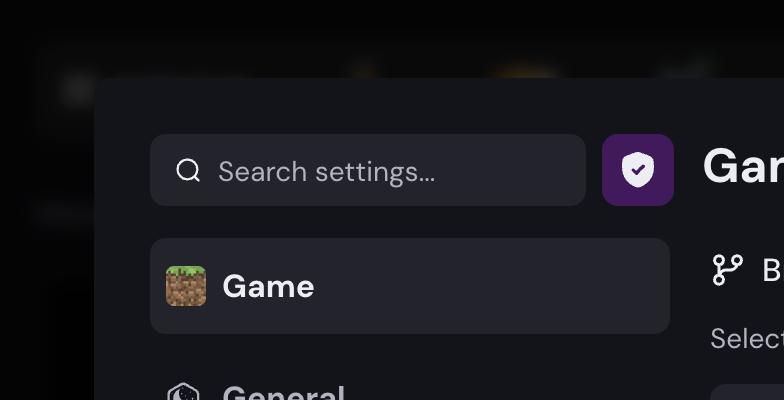
- The indicator should now be purple, indicating Advanced Mode is enabled.
- Make sure you're in the Game section of the Settings page & modify the Branch in the text box
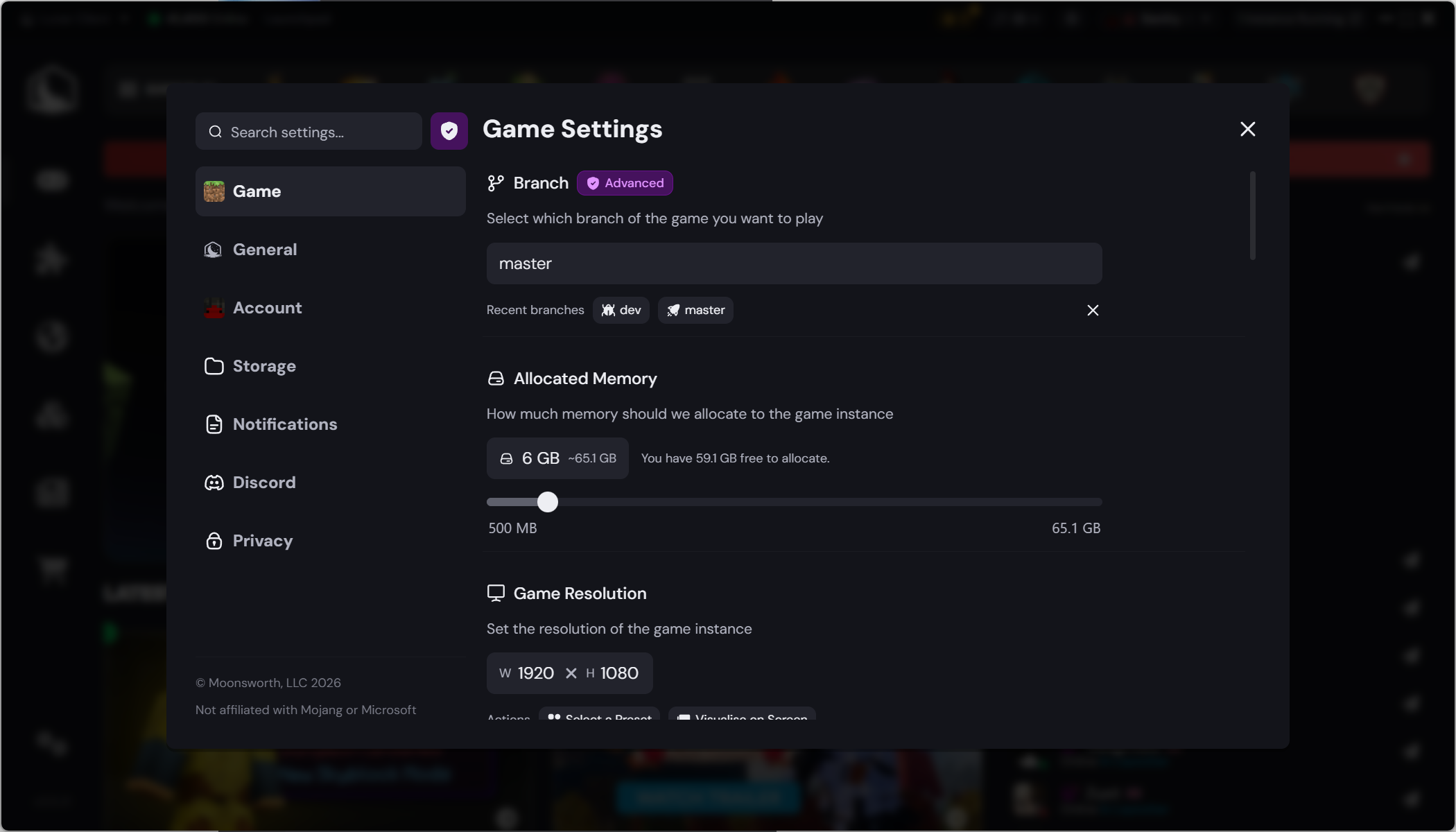
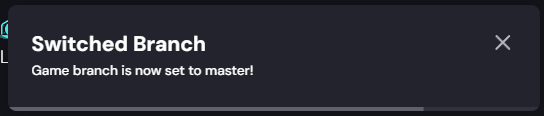
- If you have access, you should get this pop up letting you know your branch was successfully changed!
Was this article helpful?
That’s Great!
Thank you for your feedback
Sorry! We couldn't be helpful
Thank you for your feedback
Feedback sent
We appreciate your effort and will try to fix the article